




















Different clients use our hosting in different ways: some purchase it to host a single website or an online store, while others build entire website networks. Our plans with a high domain allowance are perfectly suited for this purpose, with the Prime plan being the best choice. It completely resolves the question of parked domain limits, but what about the rest?
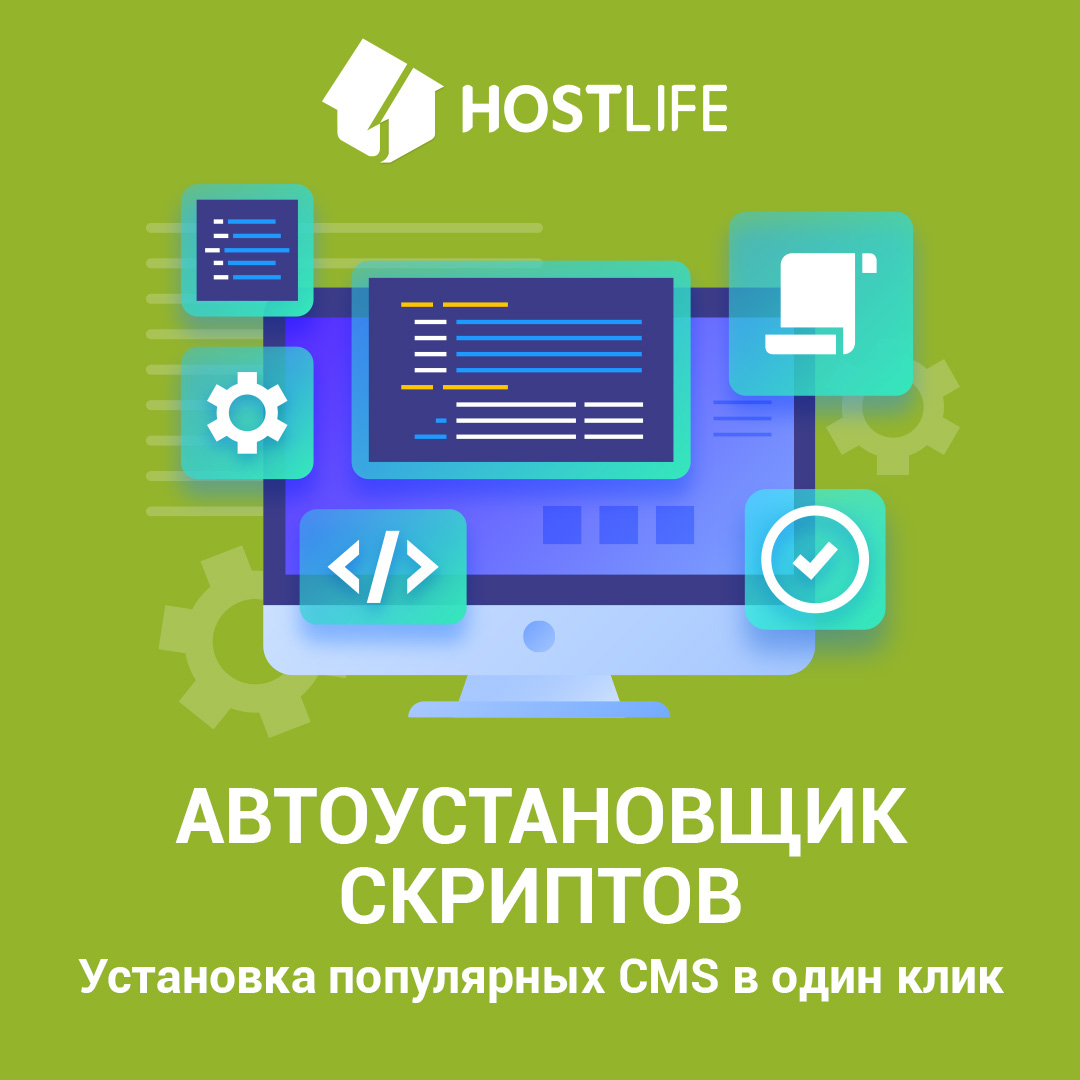
Automation is the key criterion for scaling, and launching multiple websites is a labor-intensive process. To automate script installation on our hosting, we offer the Softaculous auto-installer. It allows you to install both the most popular scripts and lesser-known solutions in just one or a few clicks. Clients have access to WordPress, Joomla, Drupal, OpenCart, PrestaShop, and over 300 applications across 24 categories.
By starting the installation of a script, you get a fully functional content management system in just a few minutes. Once the domains are parked and the CMSs are installed on your hosting, all that remains is to add content, and your websites are ready to go.
The Softaculous auto-installer is included in all HOSTLIFE shared hosting plans. It is accessible via the cPanel or DirectAdmin control panels. After opening the plugin, select the CMS you want to install, choose between "Quick" or "Custom" installation, and make sure to select the appropriate PHP version beforehand in the PHP selector. If everything is configured correctly, your site—or several sites—will be up and running in just a few minutes.
Learn more about the Softaculous auto-installer on our website.
We previously discussed how to register domains in bulk in our blog post.